

Oksigenia Access · Web accessibility panel
Open sourceWebEducationAn accessibility panel for WordPress, Moodle™ and any website
A floating panel with 17 reading, vision and orientation controls that act on the page itself. Preferences stay in the visitor's browser and never leave it.
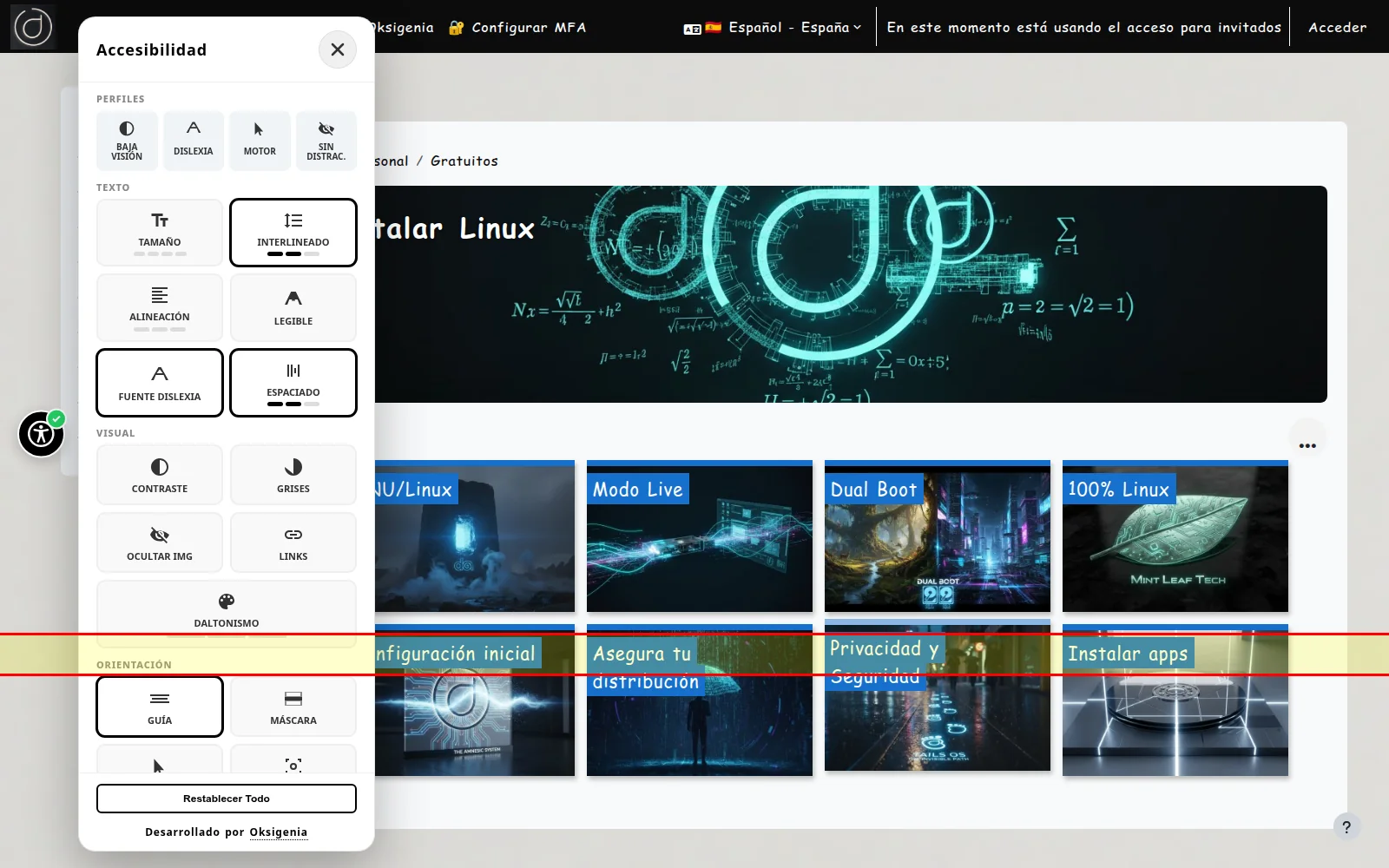 On Moodle™, Dyslexia profile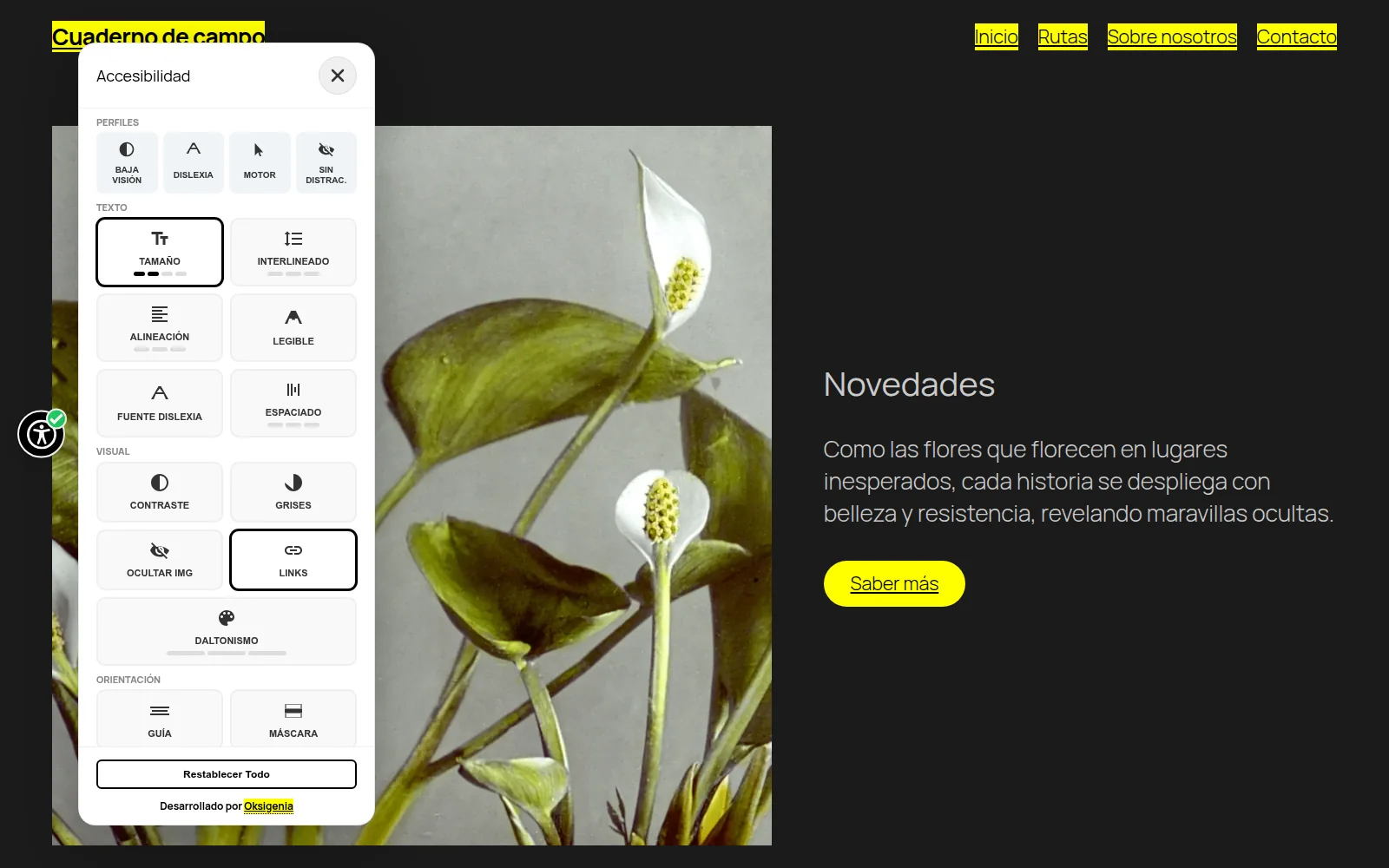
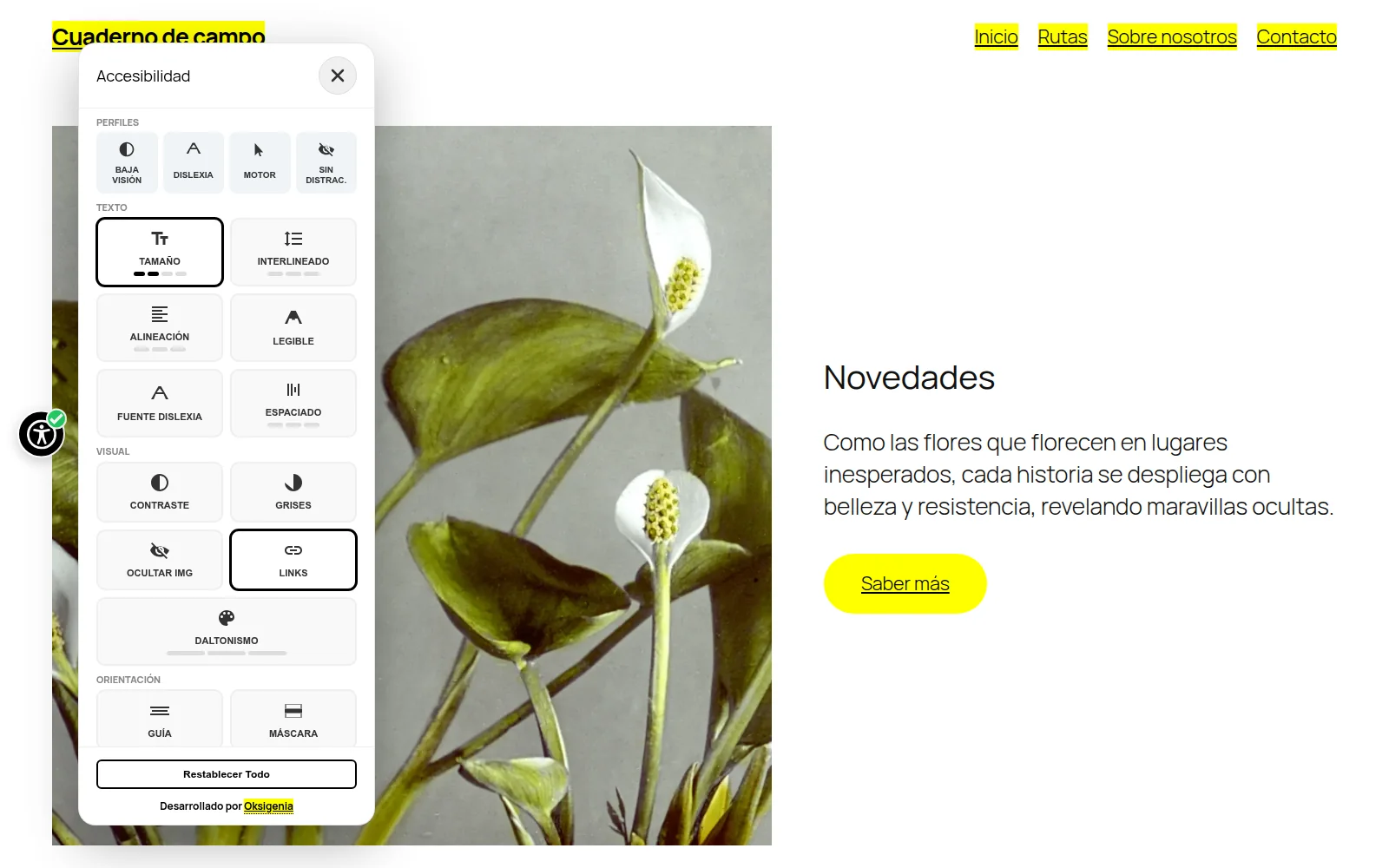 On WordPress, larger text and highlighted links
Who it is for
- Public sector
- Universities and training centres
- NGOs and foundations
- Museums
- WordPress and Moodle sites
What it does
Reading
Text size, line height, alignment, spacing and a dyslexia-friendly font.
Vision
High contrast, greyscale, highlighted links and three colour-blindness modes.
Orientation
Reading guide, large cursor, stronger focus and paused animations.
One engine in three formats
A WordPress plugin, a Moodle plugin and an npm web component for any other site.
17
controls
8
languages
3
platforms
0
cookies
Standard
- Preferences stay in the visitor's browser
- No cookies or telemetry
- Free software
Pricing
Free · open source
Licence: GPLv2+ (WordPress) · GPLv3+ (Moodle) · MIT (npm)